
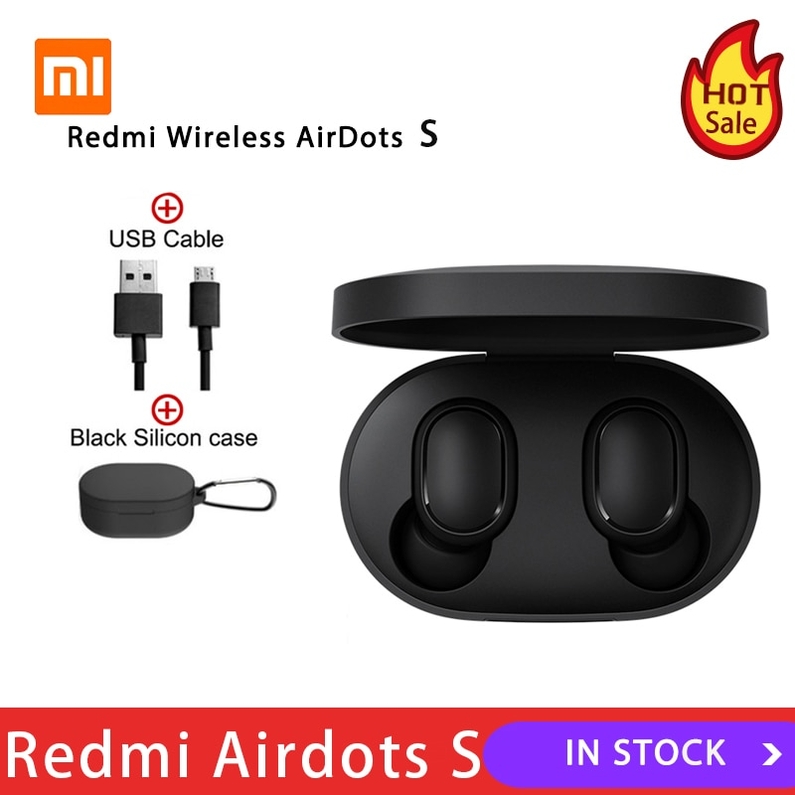

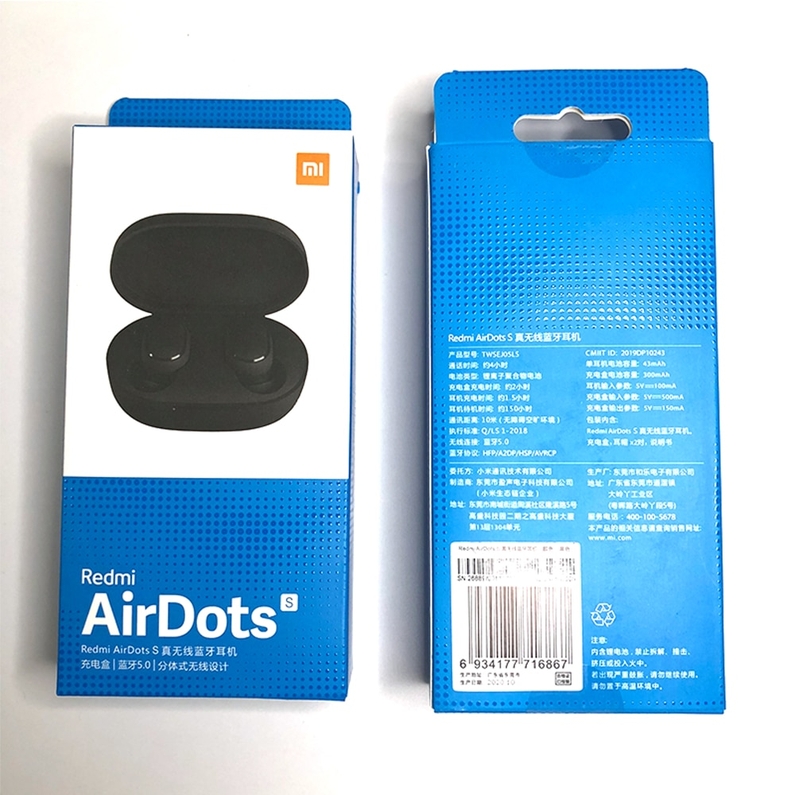

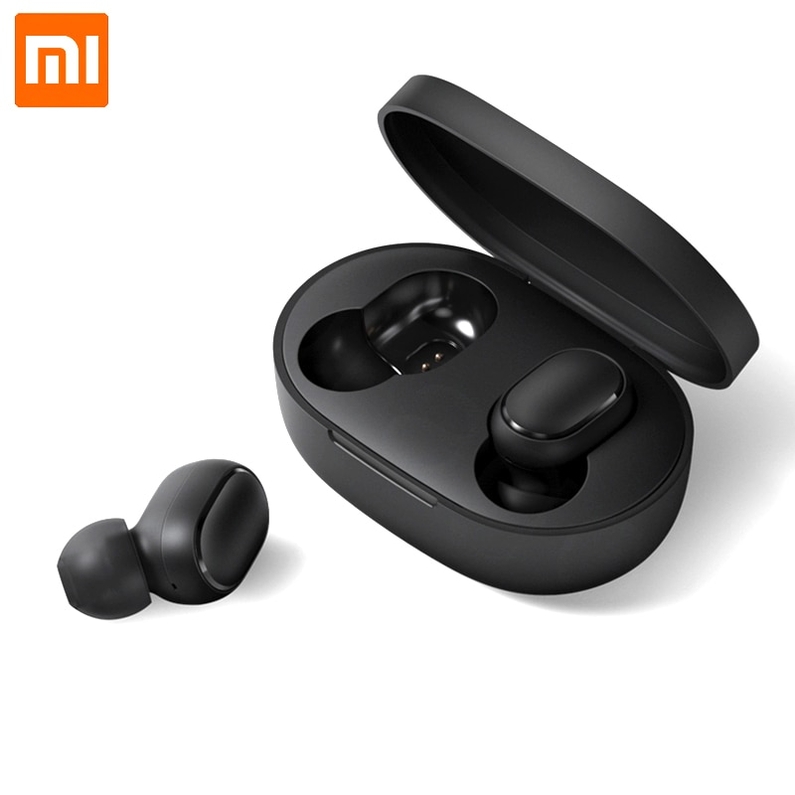

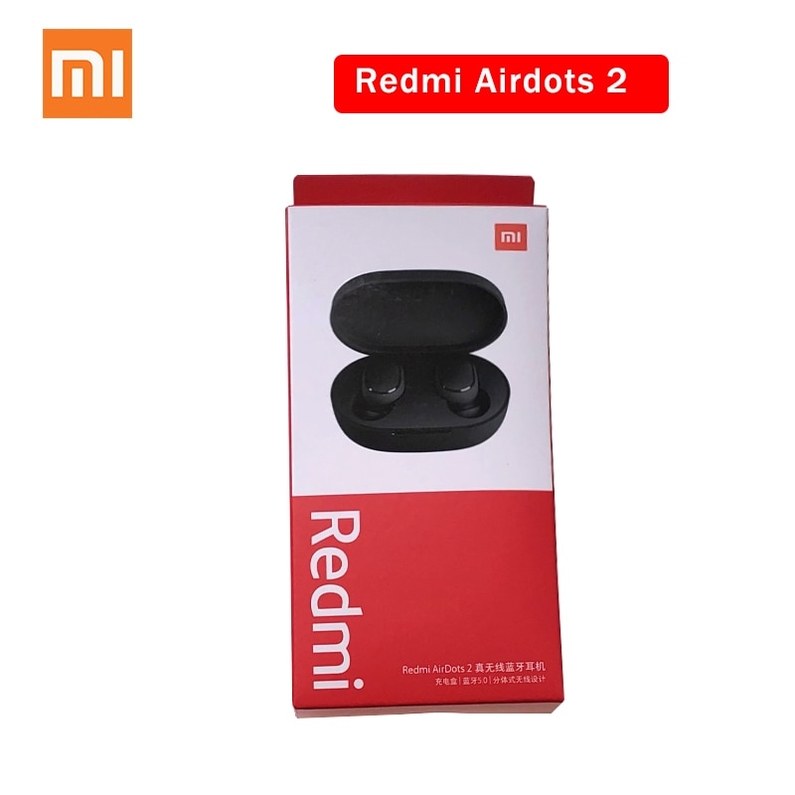
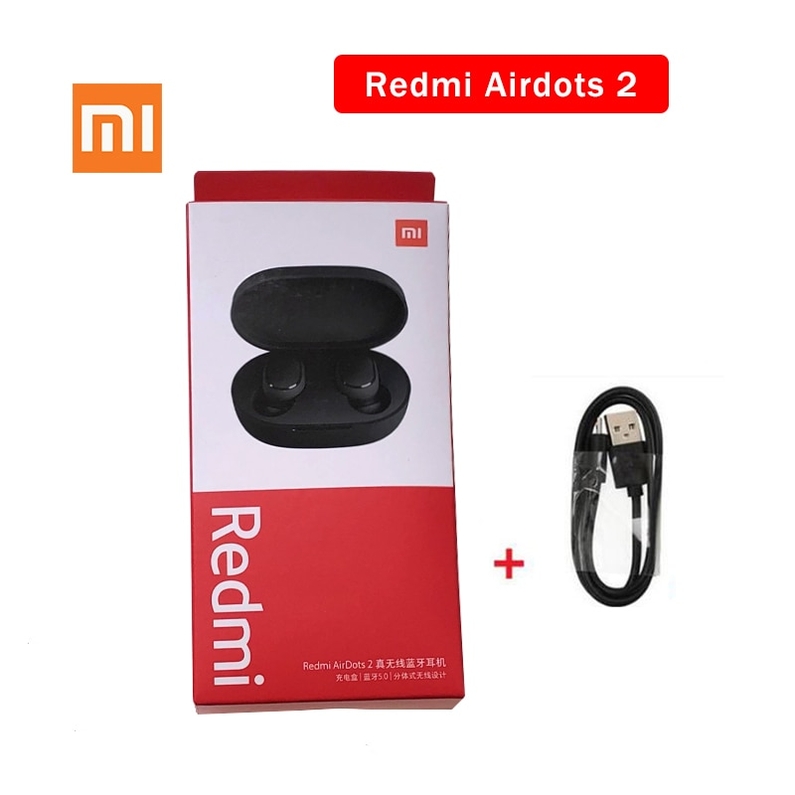
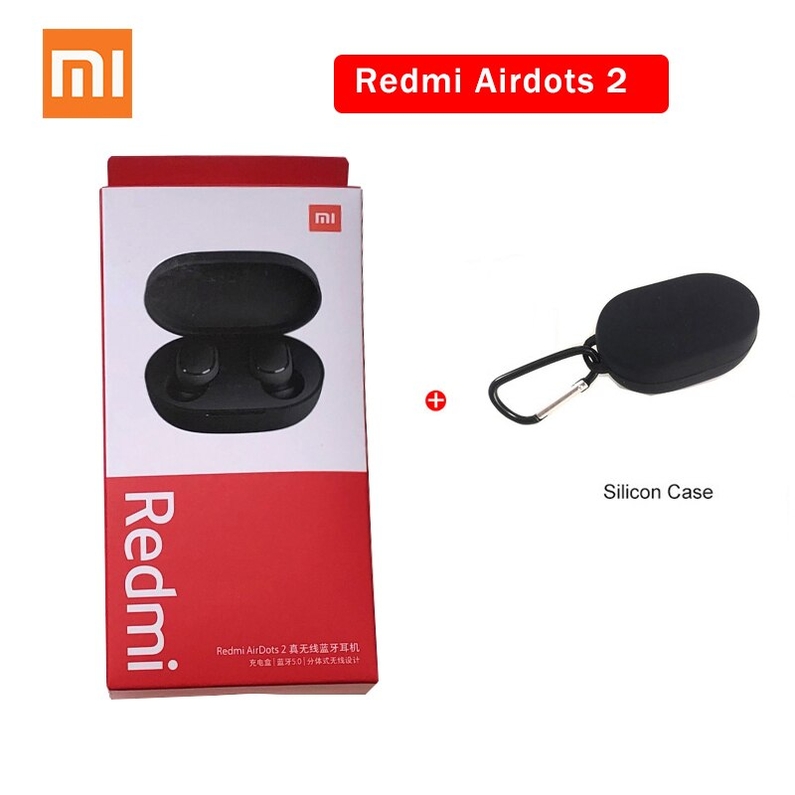
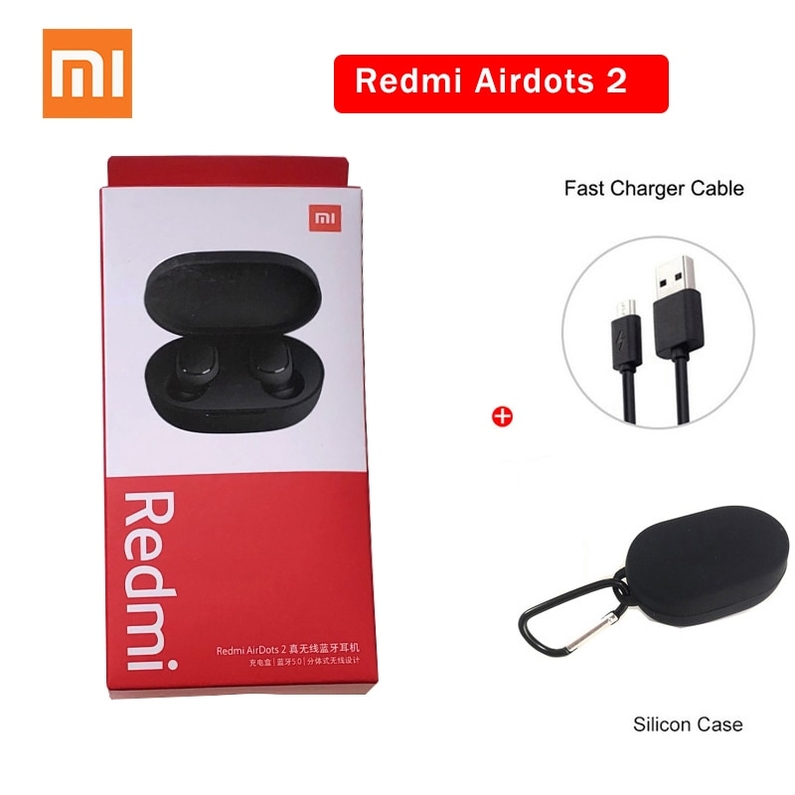


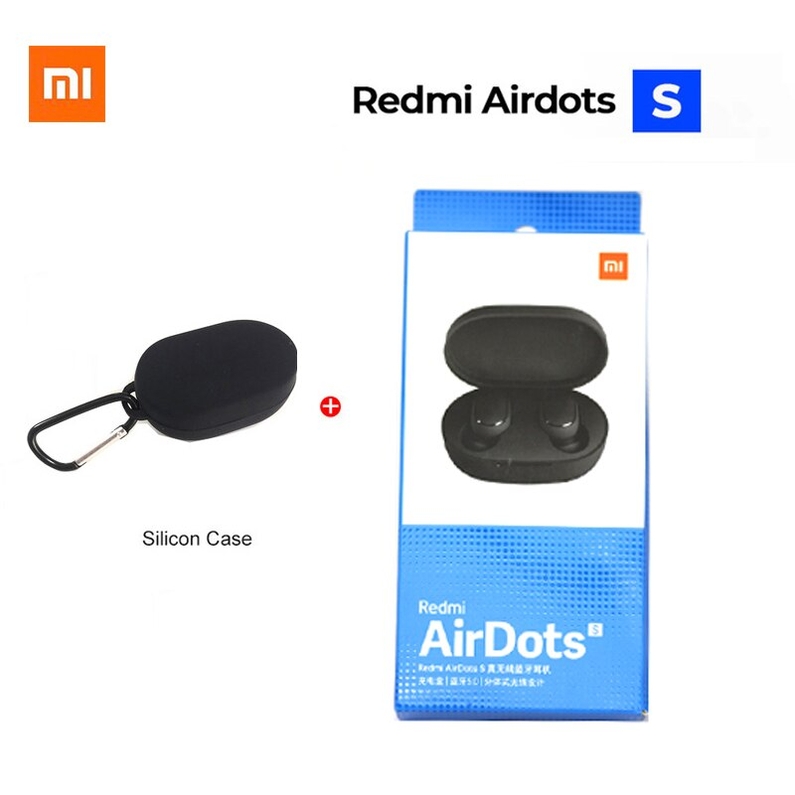
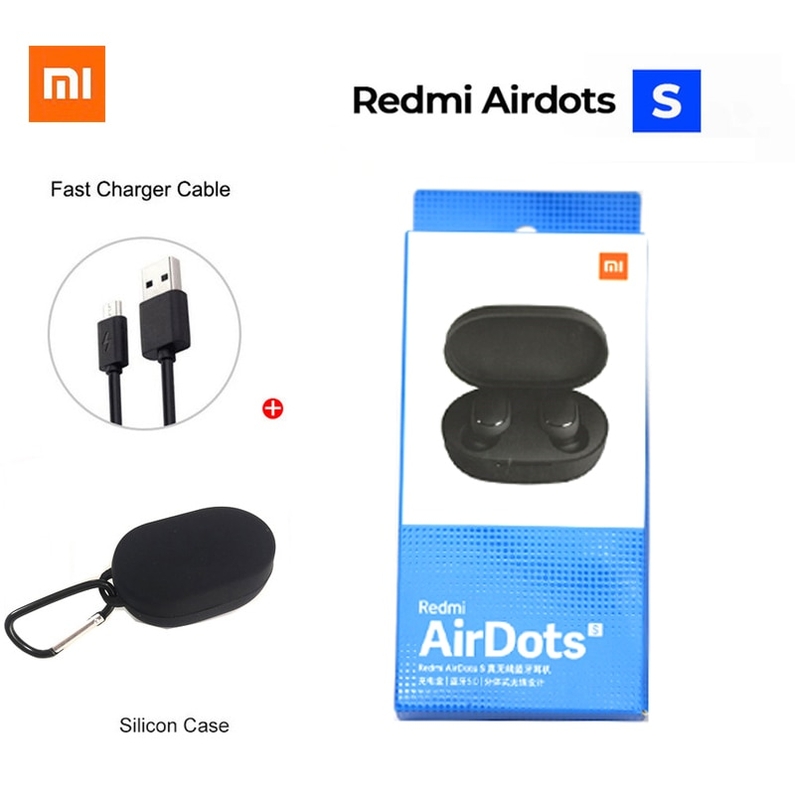
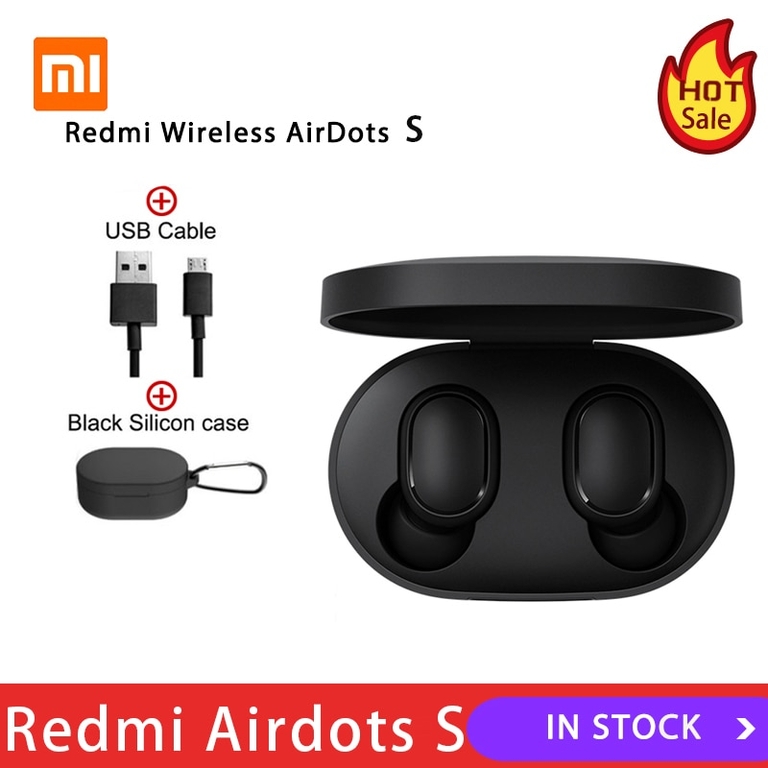

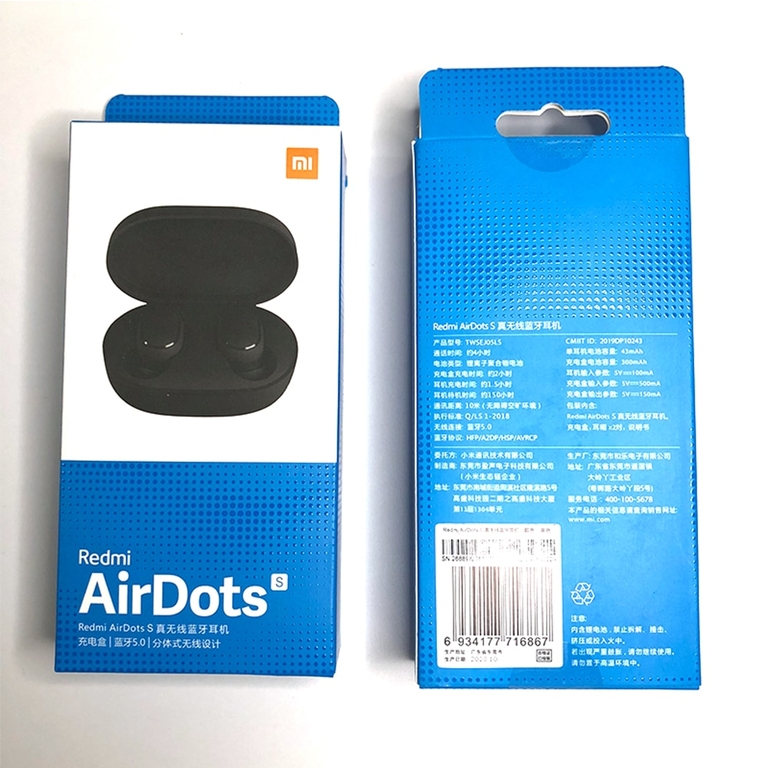

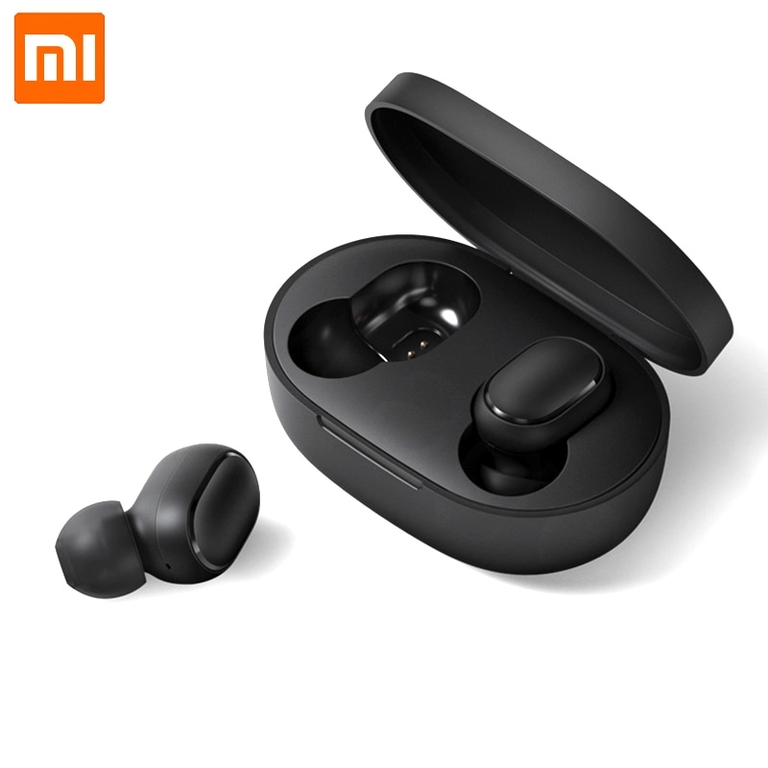

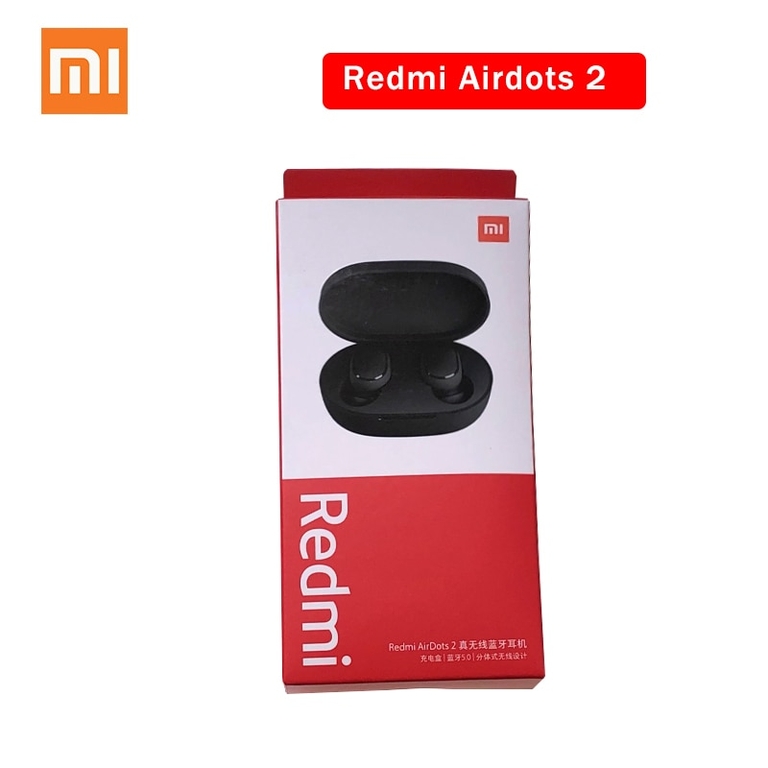
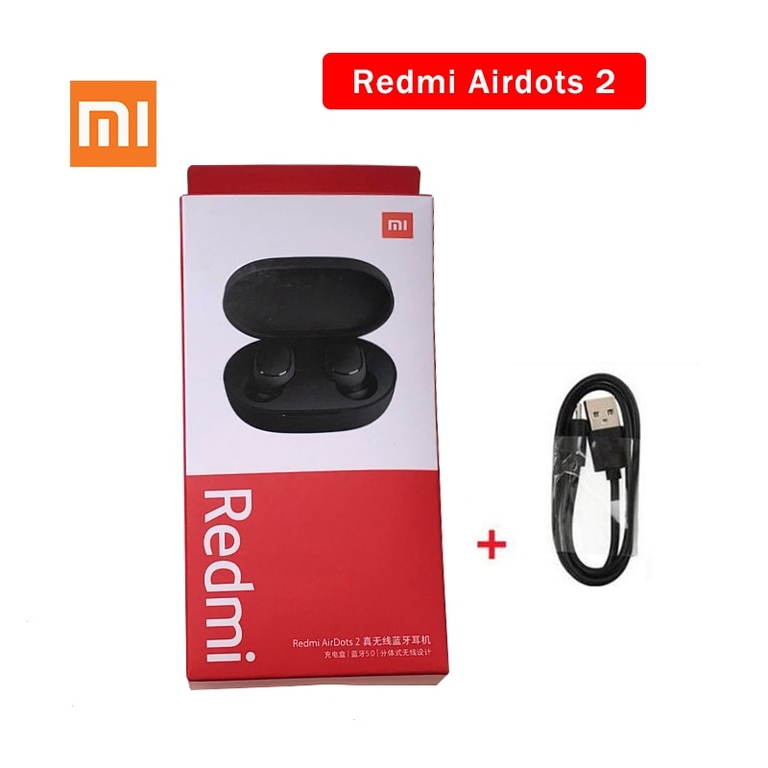
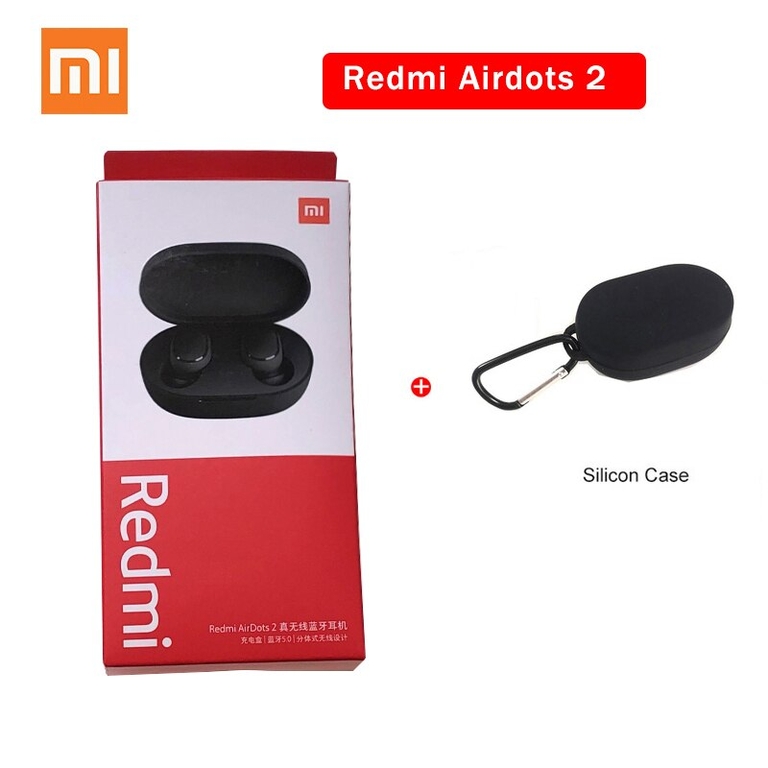
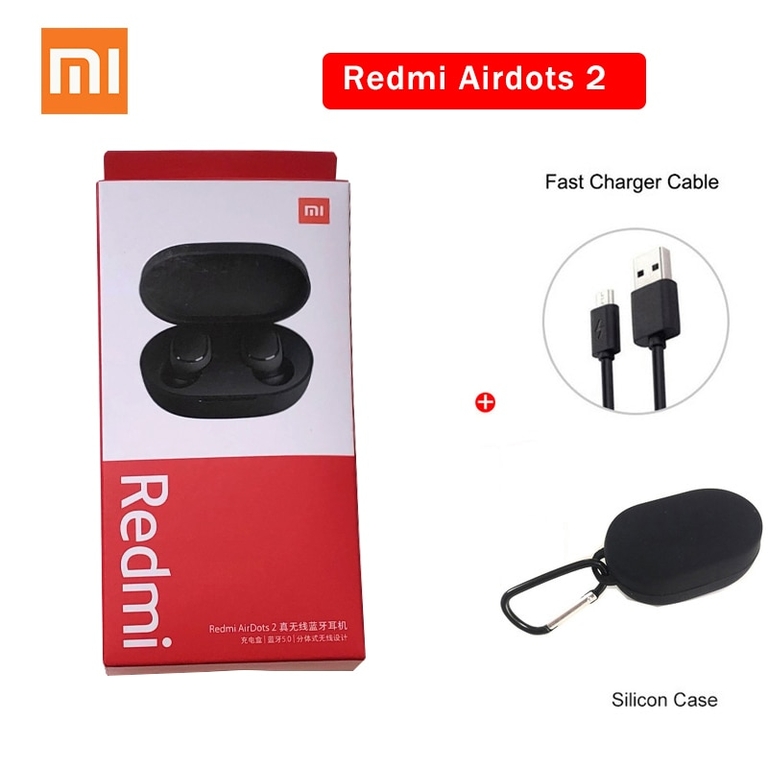


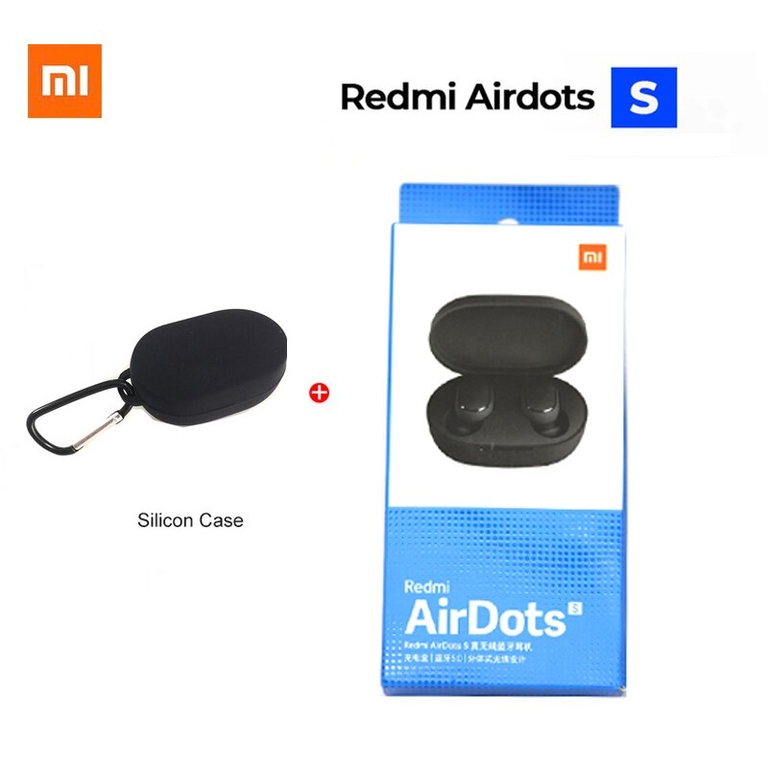
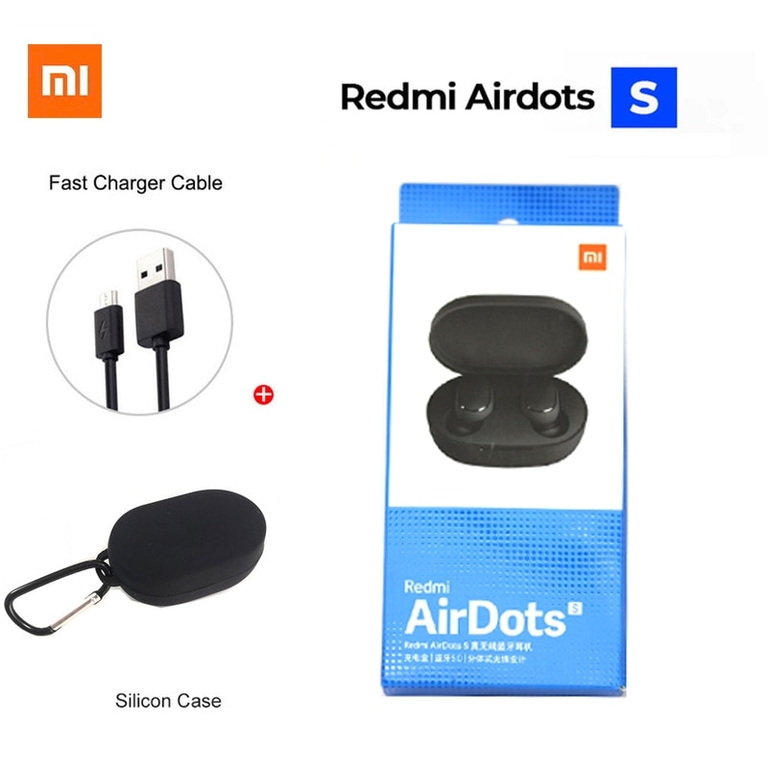
Fone De Ouvido Sem Fio XIAOMI ORIGINAL ar 2 se.
Preço normal
R$ 192,92
Configurar dias no editor de temas
Xiaomi Redmi Airdots 2 TWS Fone de ouvido sem fio bluetooth 5.0 Fone de ouvido estéreo de redução de ruído Mic Controle de voz

Primeiro par:
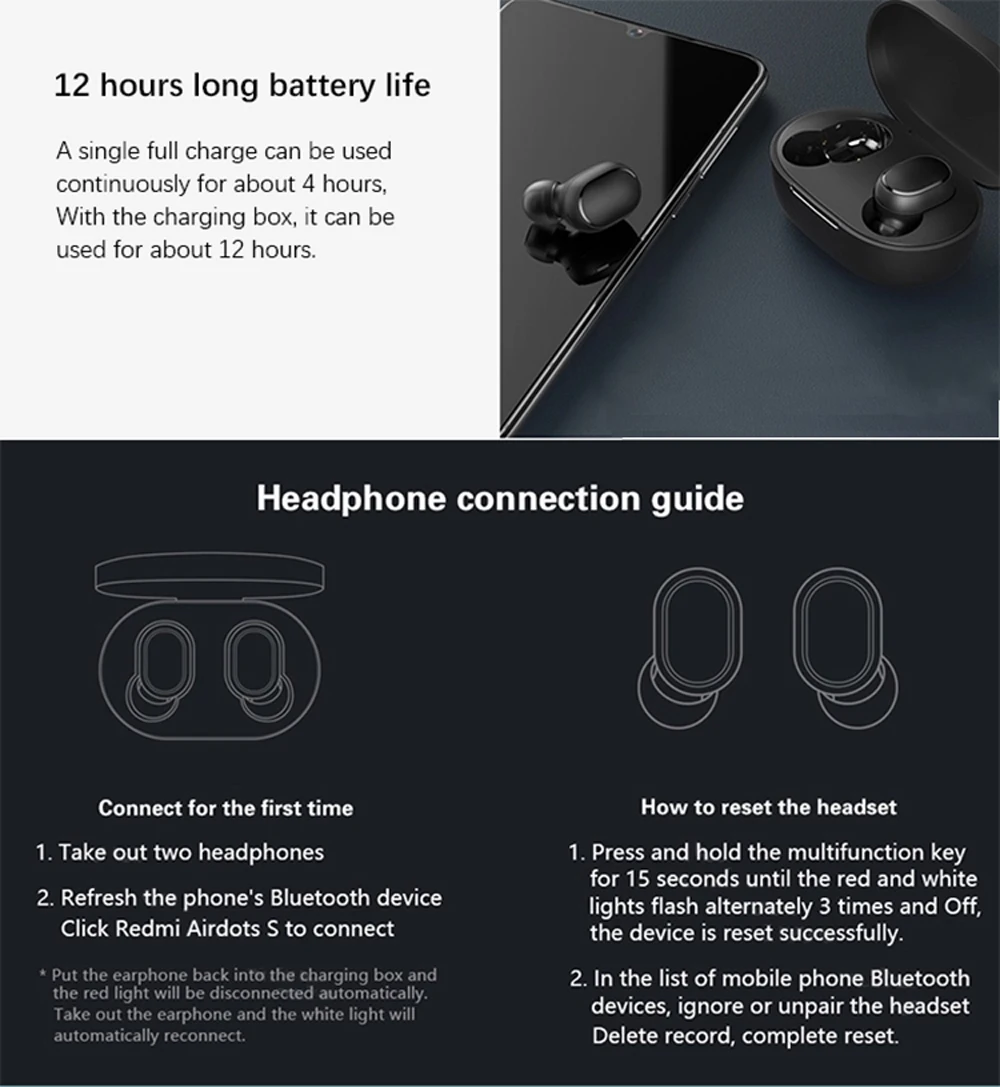
1. Retire dois fones de ouvido e ele ligará automaticamente. 2. Atualize o dispositivo Bluetooth do telefone e clique em Redmi Airdots S para conectar. 3. Coloque o fone de ouvido de volta na caixa de carregamento, o fone de ouvido acende em vermelho e, em seguida, desconecte-se automaticamente, retire o fone de ouvido e a luz branca e, em seguida, conecte-se automaticamente de volta.
Como redefinir o fone de ouvido
1.Long press the multifunction key for 15 seconds, until the red and white lights flash alternately 3 times and go out, the device reset successfully; 2. Ignore or unpair Redmi AirDots S in the Bluetooth device list of the phone, delete the connection record, and complete the reset.
Xiaomi Redmi Airdots S TWS Earbuds stereo Wireless Earphone Bluetooth Headsets with Mic Left Right Low Lag Mode Auto Link
Highlight:
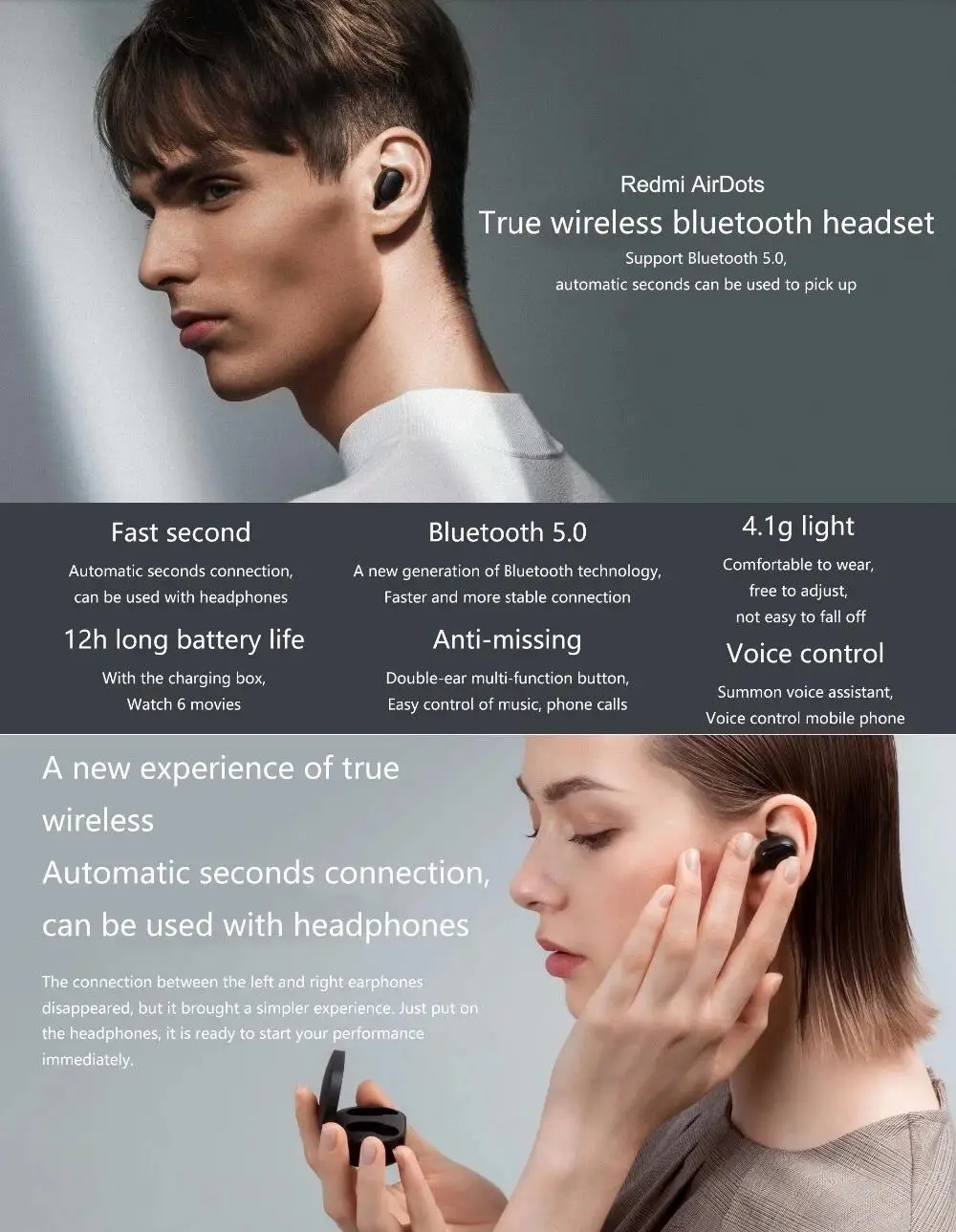
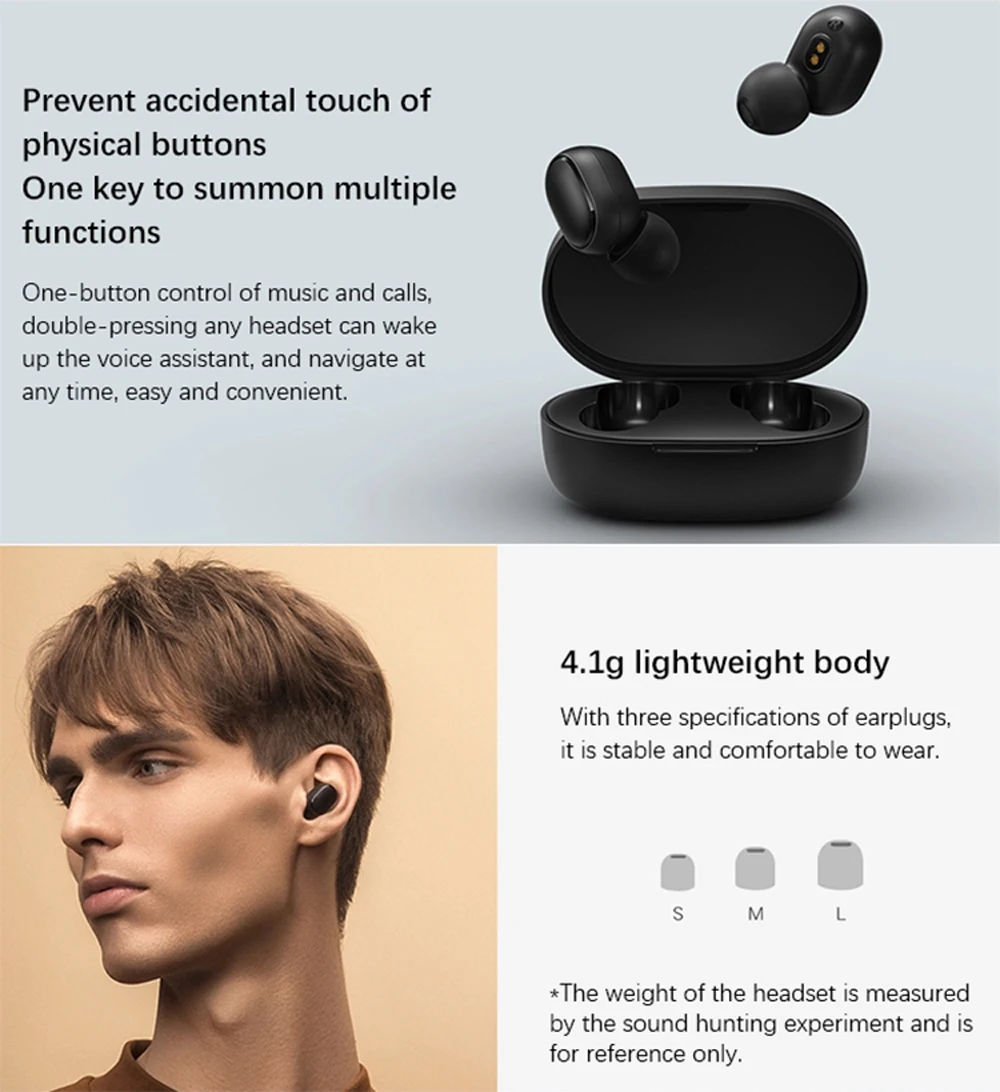
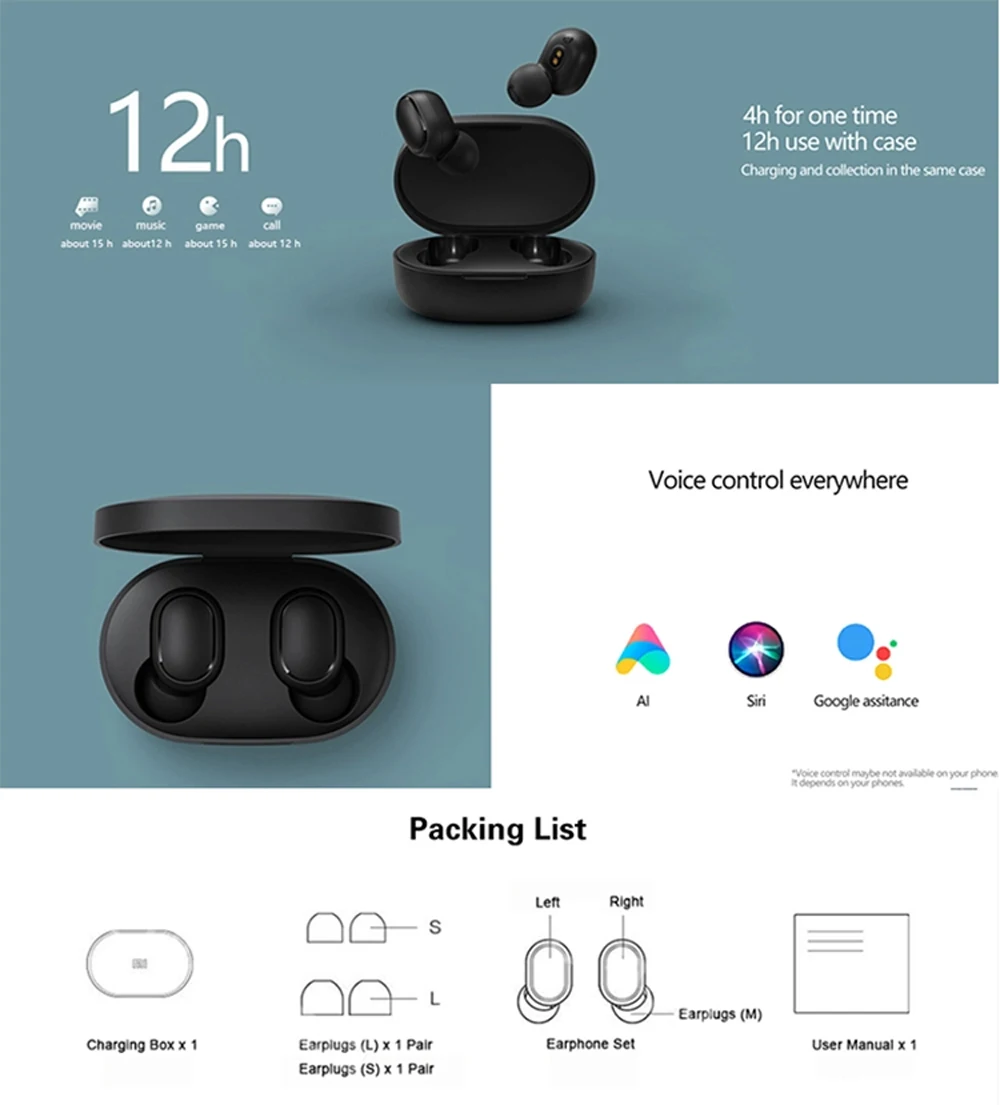
-Quick link:Auto link Put on and listen -1&2 switch:1 or 2 ears mode Seamless shift -Game mode:Triple tap Into ‘lower lag mode’ -Bluetooth 5.0:New BT technology More stable fast -12h with box:With charging box About 6 movies -Voice control:Call voice assistant Voice control phone
Airdots 2 support bluetooth Scanner test.
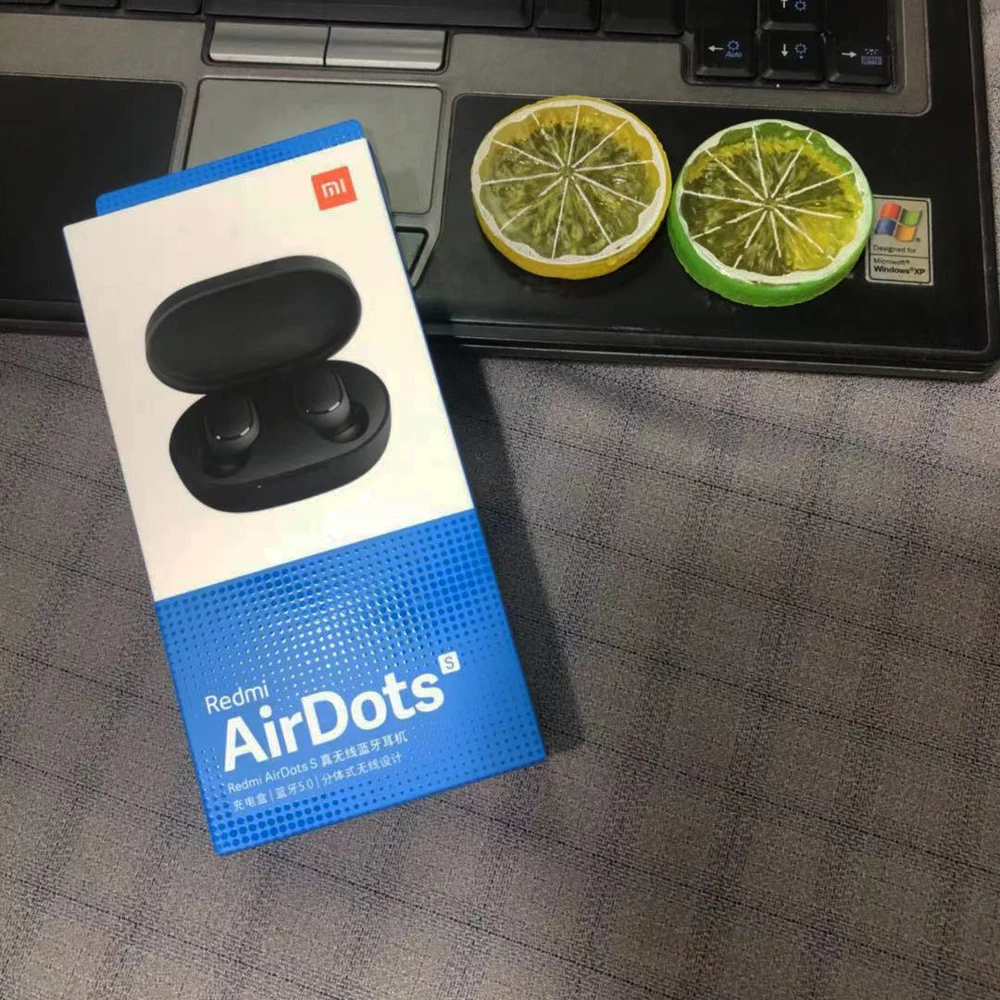
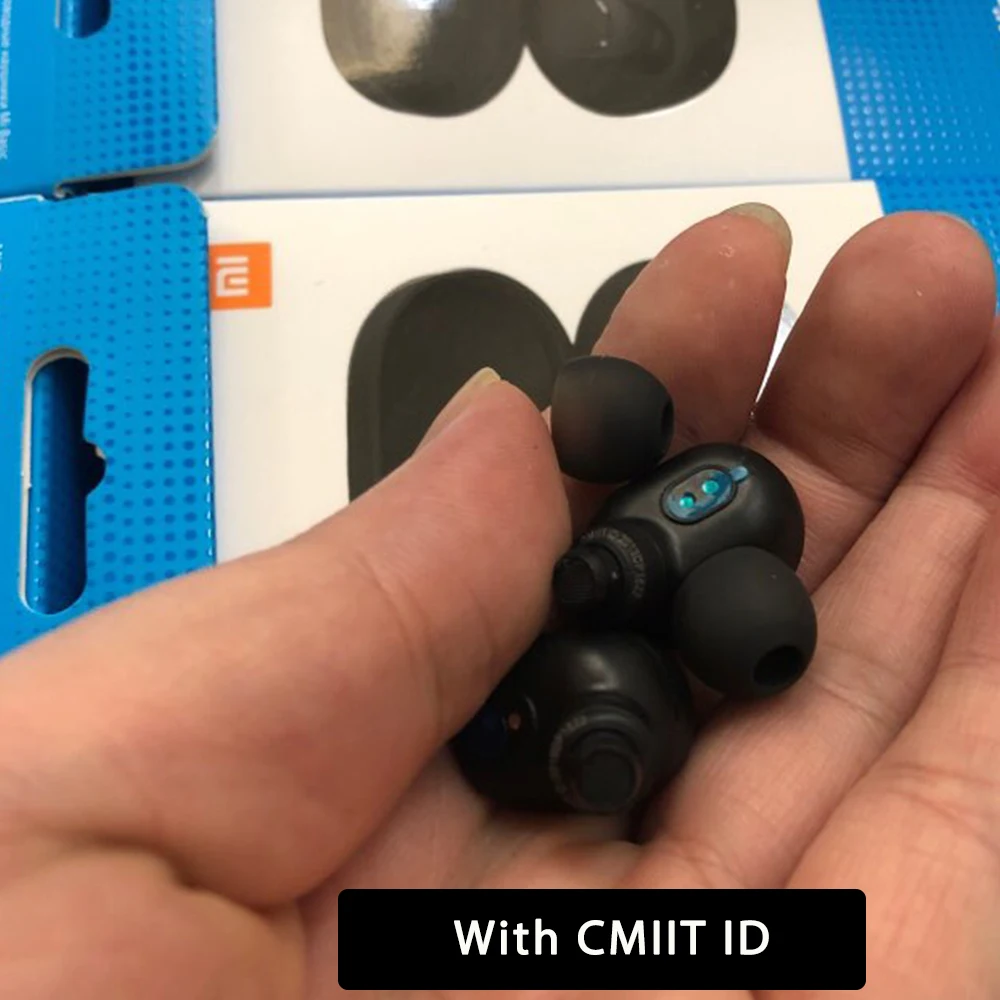
This is 100% original and new Redmi AirDots. We encourage each buyers to check in your local Xiaomi official store.


Ambiente de pagamento seguro